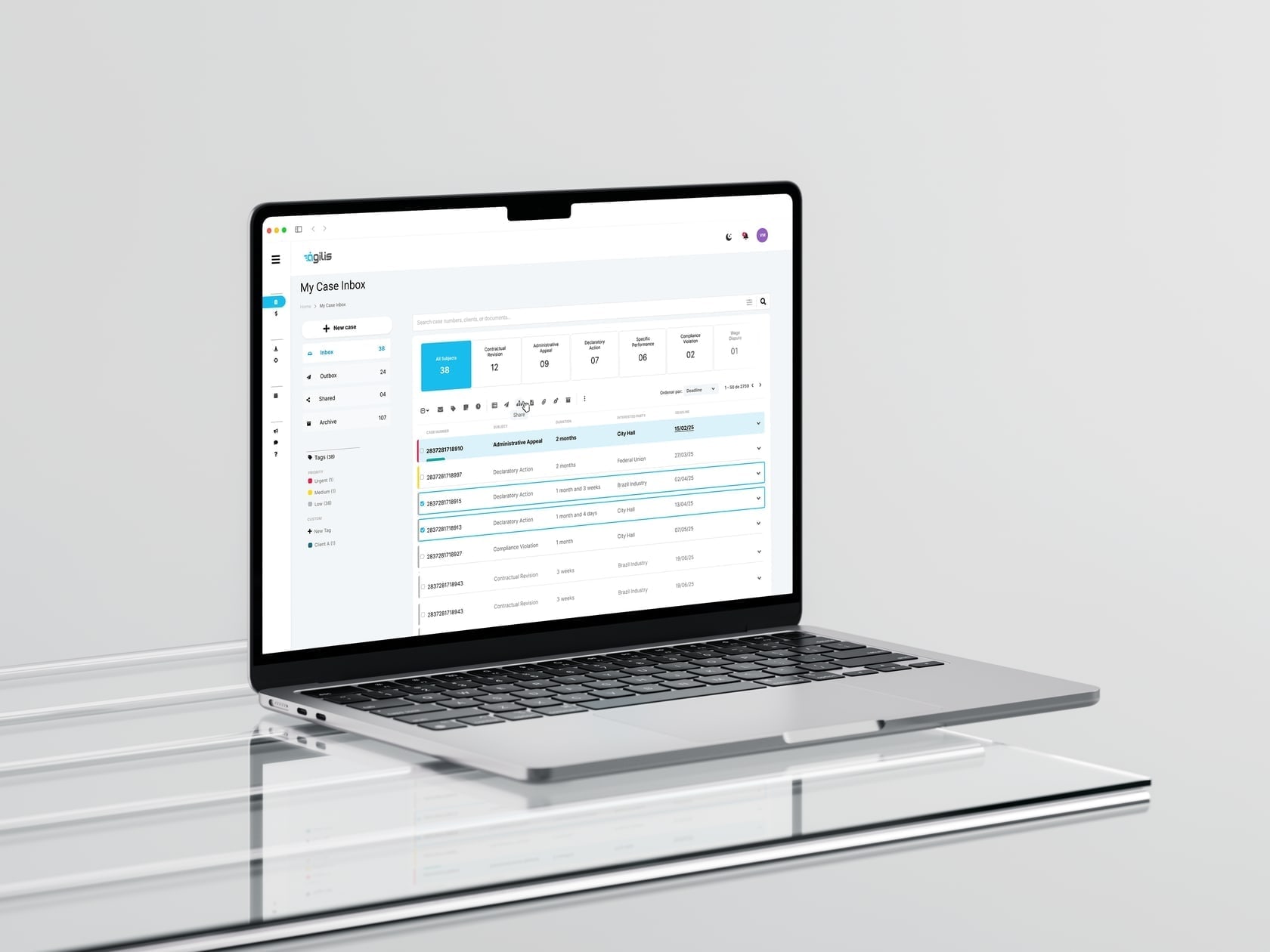
Legal Case Management System
Redesigned a case management system for a Judicial Attorney's Office, aligning UX/UI, branding, and workflows to improve clarity, transparency, and case processing speed.
Period
2022 to 2024
Focus
Redesigning a Broken Experience
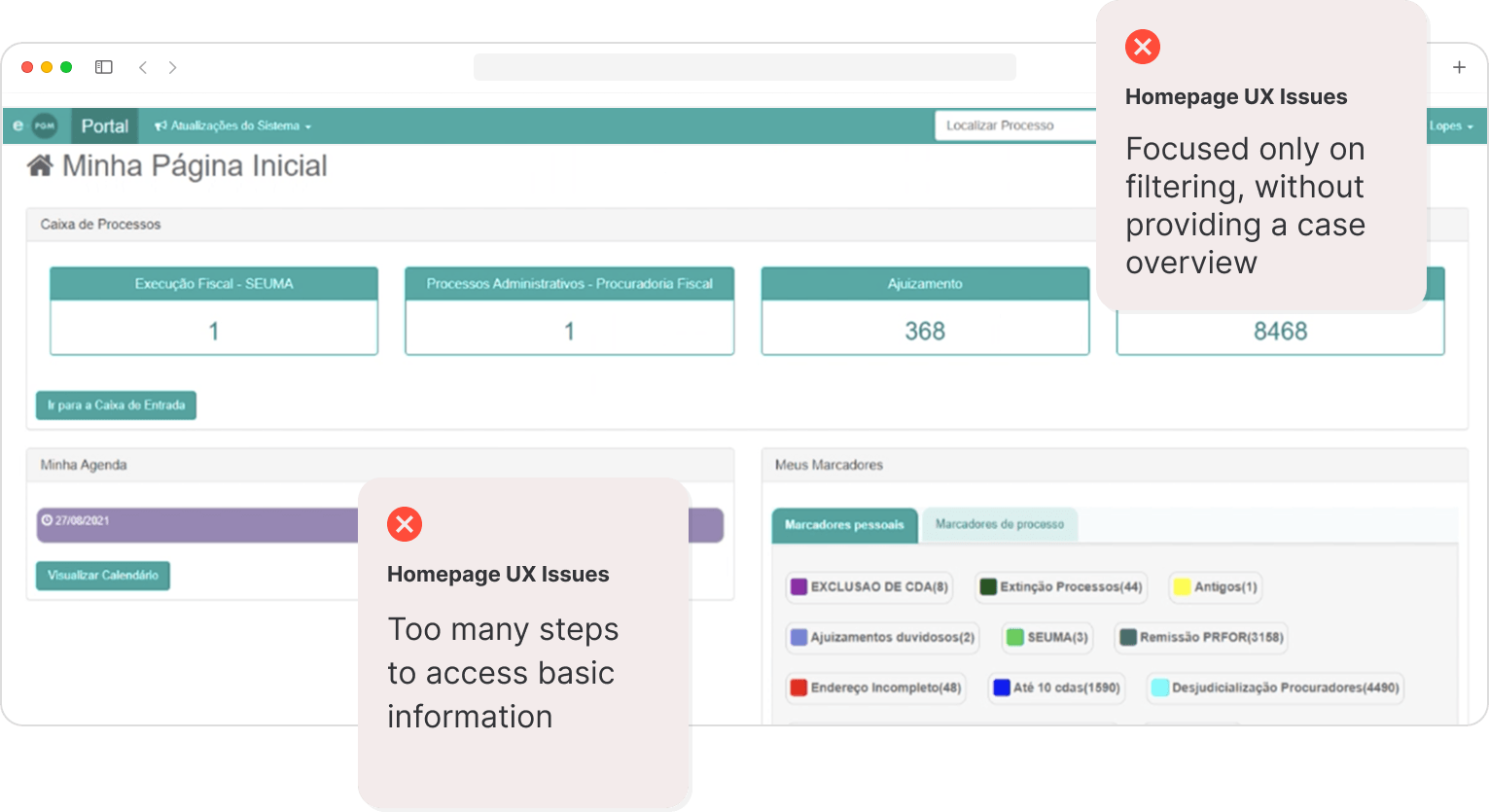
The Municipal Attorney General's Office (PGM) in Fortaleza relied on a legacy case management system that was slow, fragmented, and hard to navigate. Lawyers frequently lost track of cases and deadlines due to scattered information across multiple screens.
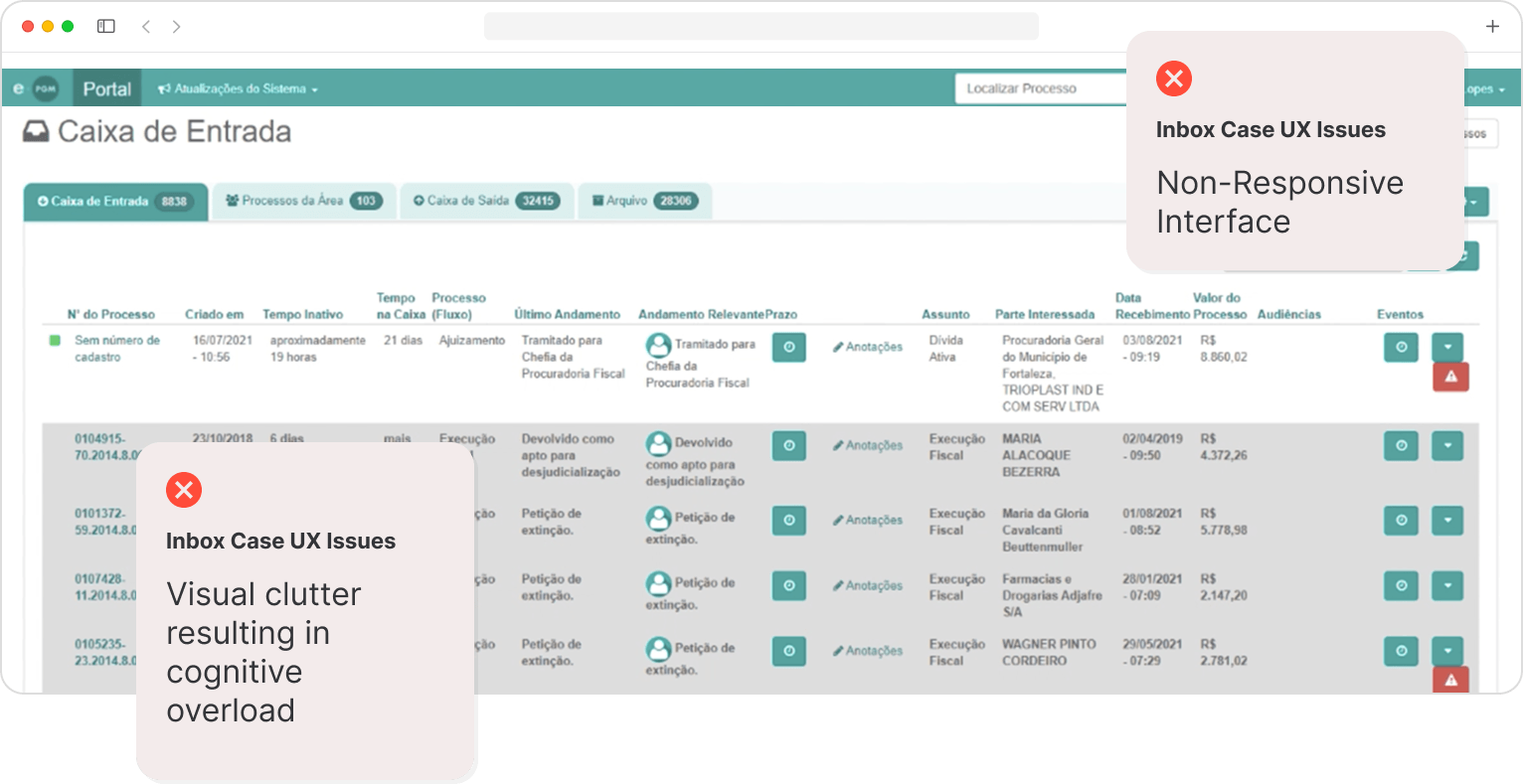
The existing system lacked a clear hierarchy, had no integrated deadline tracking, and forced users to jump between screens to manage their workload, leading to inefficiency and frustration.
The new system was named Ágilis, built to replace the legacy platform with a faster, more intuitive workflow for the entire legal team.
Problem Statement
“Jumping between screens makes me lose track of my cases and deadlines.”
Saulo Pontes, Lawyer at PGM
Lead Product Designer
I led the full redesign from discovery to delivery. I was responsible for user research, navigation flows, branding, UI components, and the design system, all aligned with the office's operational needs and visual identity. I also coordinated meetings with users, stakeholders, developers, and the design team, acting as the bridge between project management and design.
New Experience Design
Key innovations over the legacy system include: real-time case sharing so lawyers can collaborate simultaneously instead of waiting for handoffs; bulk case processing with smart filters to apply actions across multiple cases at once; built-in document templates with standardized layouts, removing the need for external tools; digital signatures and stamps eliminating paper-based workflows; and AI-powered case summarization with intelligent next-step suggestions.
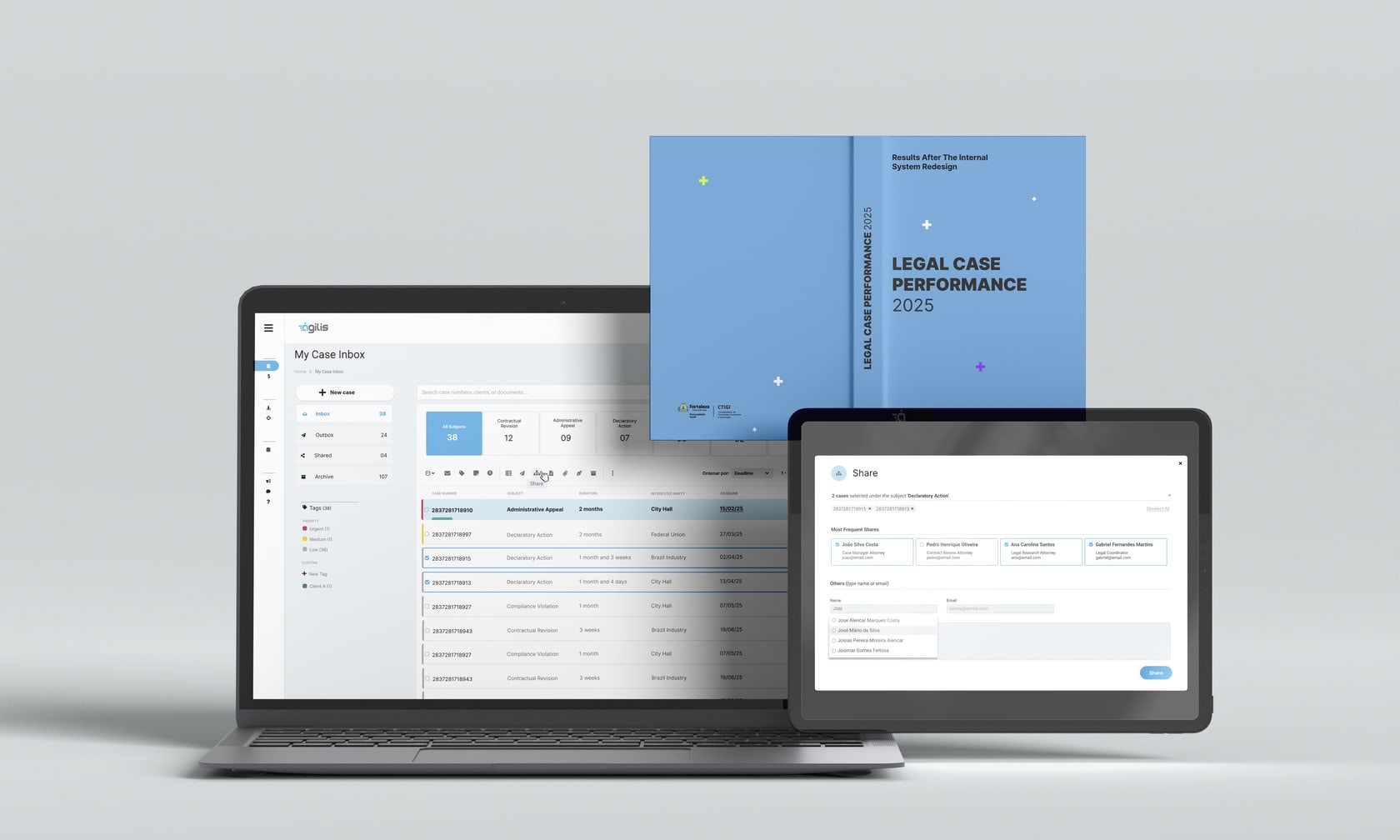
Legacy System Analysis
I started by conducting user interviews with lawyers at PGM and analyzing the existing platform to identify pain points. The goal was to align user needs with business goals before defining any solution.
We interviewed long-time users of the old system and new users: 25 people took part across multiple rounds of research. Even with a better solution, years of established routines can create cultural resistance to change. In-person interviews revealed valuable nonverbal cues, while remote sessions expanded our reach and flexibility. The conversations uncovered functional needs and emotional barriers to adoption, which guided a UX/UI that made the transition smoother.
Online questionnaires complemented the interviews, reaching 72 participants and surfacing patterns in behaviour, preferences, and pain points. They gave quantitative signals on satisfaction and usability. Together with the interviews, they steered design decisions and helped people move off the legacy system while building a dataset we could compare over time.
Key design decision: Real-time shared case views and bulk actions won over a safer but slower handoff model. Lawyers at the counter made clear that waiting on sequential updates broke trust; we traded a bit of interface simplicity for visibility and parallel work.
View full research presentation →Legacy System: Dashboard
Legacy System: Case Inbox
Action → Emotion → Opportunity
Analyzing cases
Frustrated by screen switching and information overload.
Consolidate case info into a single unified view.
Managing deadlines
Confused by incomplete deadline functionality.
Enable create, edit, and check deadlines in one place.
Sharing cases with staff
Anxious when sharing, unable to track progress.
Support real-time collaboration and visibility.
Emotion
Frustrated by screen switching and information overload.
Opportunity
Consolidate case info into a single unified view.
Emotion
Confused by incomplete deadline functionality.
Opportunity
Enable create, edit, and check deadlines in one place.
Emotion
Anxious when sharing, unable to track progress.
Opportunity
Support real-time collaboration and visibility.
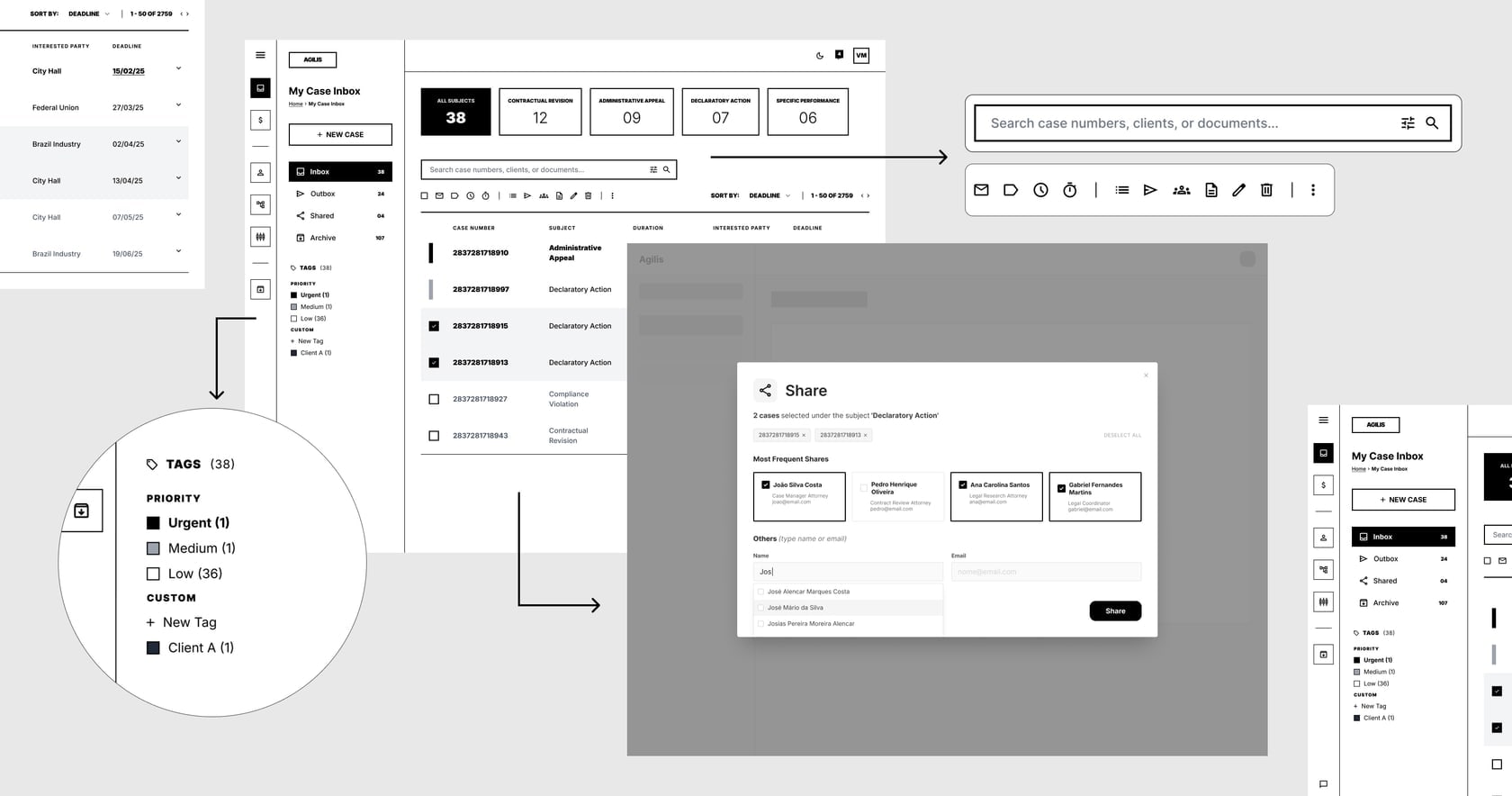
Wireframes
Color Palette

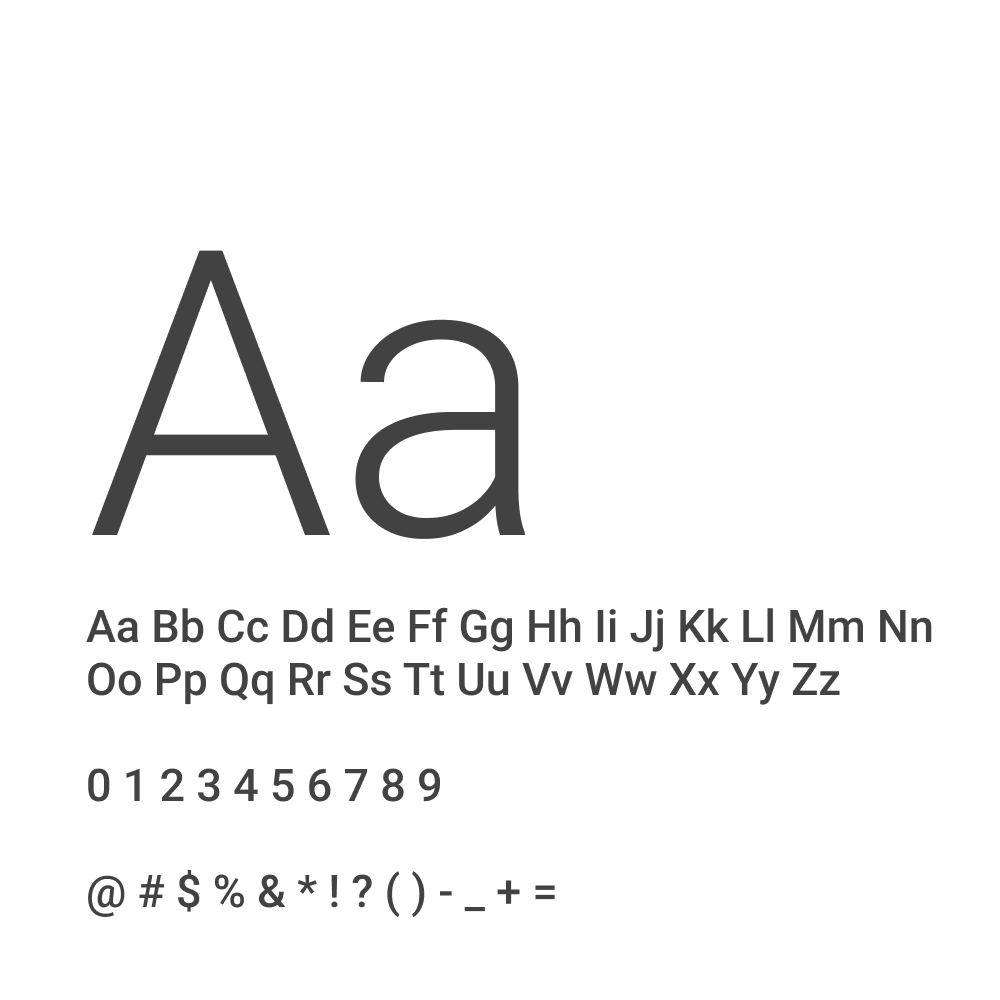
Typography
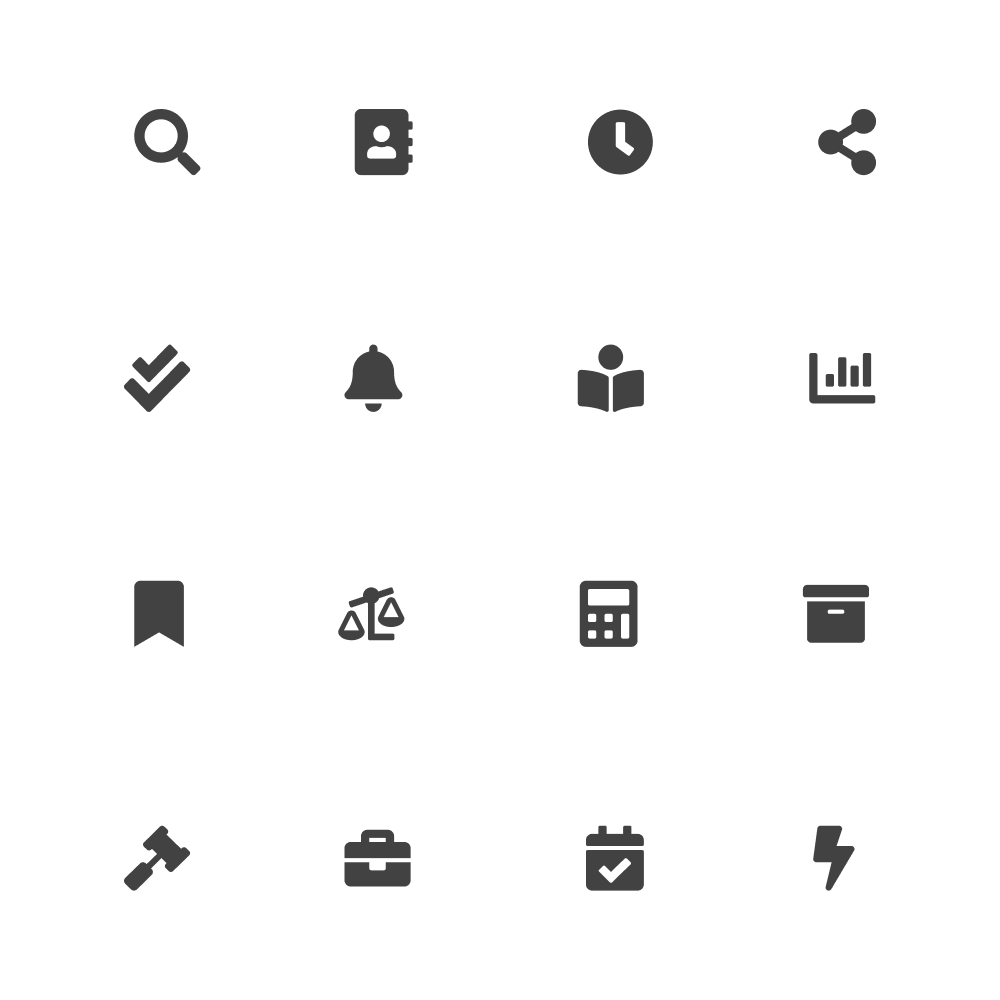
Icons
User Flow

What impact did I make?

Pending cases dropped from 69,850 to 11,400, an 84% reduction in just two years.
Average processing time fell from 591 to 96 days per case (PGM case-management operational reporting, 2024).
“It is extremely gratifying to know that our work positively impacted the lives of citizens! The work of the Municipal Attorney General's Office is fundamental to the effectiveness of law and the promotion of justice.”